Objective Management Suite (OMS) Training

Learn How to Use the GPS for Your Practice
Having OMS is one thing.
Knowing how to use everything it can tell you is something else.
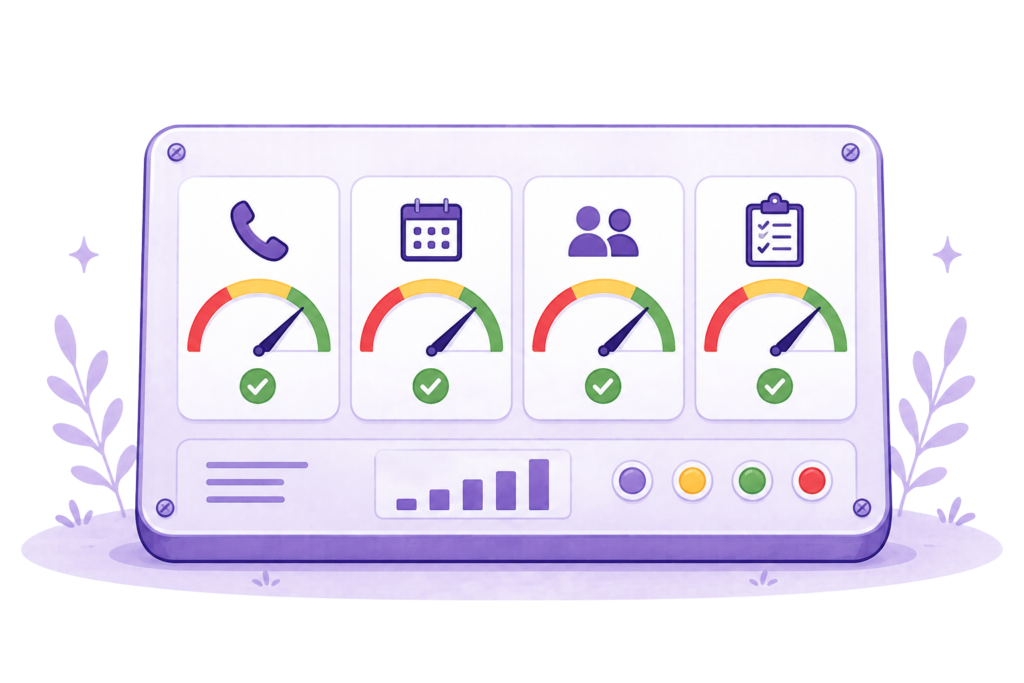
OMS may be the GPS for your practice, but if you don’t know how to read the dashboard, understand the alerts or enter the right information, you’re not taking full advantage of its horsepower. It’d be like driving a Ferrari to go to the corner store.
That’s where our OMS Training comes in.
In one intensive day, we’ll train you—or the team member you designate—to use OMS correctly and confidently inside your own practice.
This isn’t a generic software demonstration.
You’ll work in your own OMS system, using information from your own practice, so you and your team learn what data to enter, how to enter it, how to read the dashboard, and understand what the system is showing you.
More Than Learning Where to Click
We won’t spend the day showing you buttons and menus and then send you on your way.
You’ll learn:
- What information belongs in each area of OMS
- Where to find and enter the numbers you need
- How to analyze groups of graphs and reports
- How to spot entries that may be incorrect
- How to recognize information that needs a closer look
- How to make the dashboard part of your regular management routine
The goal isn’t simply to teach you how to operate the software.
It’s to help you understand what it’s telling you.
Use Your Own Practice Information
It’s much easier to learn OMS when the numbers on the screen are yours.
Whenever possible, we’ll work with your own:
- Budget
- Expenses
- Production figures
- Financial information
- Weekly and monthly KPIs
- Practice goals
You won’t spend the day working through pretend examples that have nothing to do with your practice.
You’ll learn the system while beginning to set it up correctly for the way your practice actually operates.
Learn the Full System
Your one-day training covers all three primary areas of OMS.
Financial Planning and Budgeting
We’ll show you what financial information belongs in the system, where to find it, how to enter it correctly and how to use it.
You’ll learn how to:
- Enter your practice budget
- Set up financial and production goals
- Use the planning worksheets
- Enter current and anticipated expenses
- Review the calculations the system produces
- Calculate KPI targets to cover revenue goals, practice budgets and expenses
- Use the planning section when considering a new hire, service or location
The purpose isn’t to turn you into an accountant.
It’s to make sure you can use the financial section correctly and understand what appears on the dashboard.
Monthly Practice Indicators
We’ll walk you through the monthly information OMS requires and the additional indicators it calculates.
You’ll learn how to:
- Gather the correct monthly figures
- Enter them consistently
- Check the information for accuracy
- Review the monthly graphs
- Compare results with established targets
- Recognize results that need further investigation
Weekly Practice Performance
You or your team will learn how to set up and maintain the weekly section of OMS.
That may include showing individual or designated team members how to enter their own information.
We’ll also teach you how to review the combined weekly information, identify missing or questionable entries and keep the system current.
You Don’t Need to Be a Math Person
OMS does the calculations.
No advanced math skills are required.
You need to know what information to enter, where to put it and how to read what comes back.
We’ll explain everything in plain English and give you time to ask questions and practice using the system yourself.
Learn to Trust—and Verify—the Dashboard
OMS can only work with the information entered into it.
An extra zero, a missing figure or a number placed in the wrong field can send the dashboard in the wrong direction.
Part of the training is learning how to catch those mistakes.
We’ll show you how to:
- Review entries before relying on the results
- Question numbers that don’t make sense
- Trace an unusual result back to its source
- Correct errors before they affect your reports
- Make sure the dashboard reflects what’s actually happening
Because if OMS tells you the practice received 400 new patients last week, you may not need a bigger office just yet.
You may simply need to remove a zero.
The Training Doesn’t End After One Day
The one-day training gives you the foundation.
After that, you’ll have follow-up calls with your accountability partner. They’ll help:
- Review your entries
- Correct mistakes
- Answer questions
- Analyze graphs and reports
- Understand unexpected results
- Interpret weekly and monthly reports
- Build a consistent updating routine
- Become increasingly confident using OMS on your own
You won’t be expected to remember everything after hearing it once.
We’ll stay beside you while you learn to use the suite in the real world.
Who Should Be Trained?
The practice owner can and should complete the training.
Or you may designate someone else to manage OMS, such as:
- An administrator
- A financial manager
- A member of the leadership team
- Another trusted team member
The right person should understand how the practice operates, have access to the information OMS requires and be able to keep the system current.
Even when someone else handles the regular data entry, the owner should still understand how to read the dashboard and review the reports.
Let’s Talk!
Let’s get you—or the right person on your team—so comfortable with OMS that checking the dashboard becomes second nature, not one more thing sitting on the to-do list.